Instant Resume Maker — Create a Professional Resume in 2 Minutes
October 12, 2025
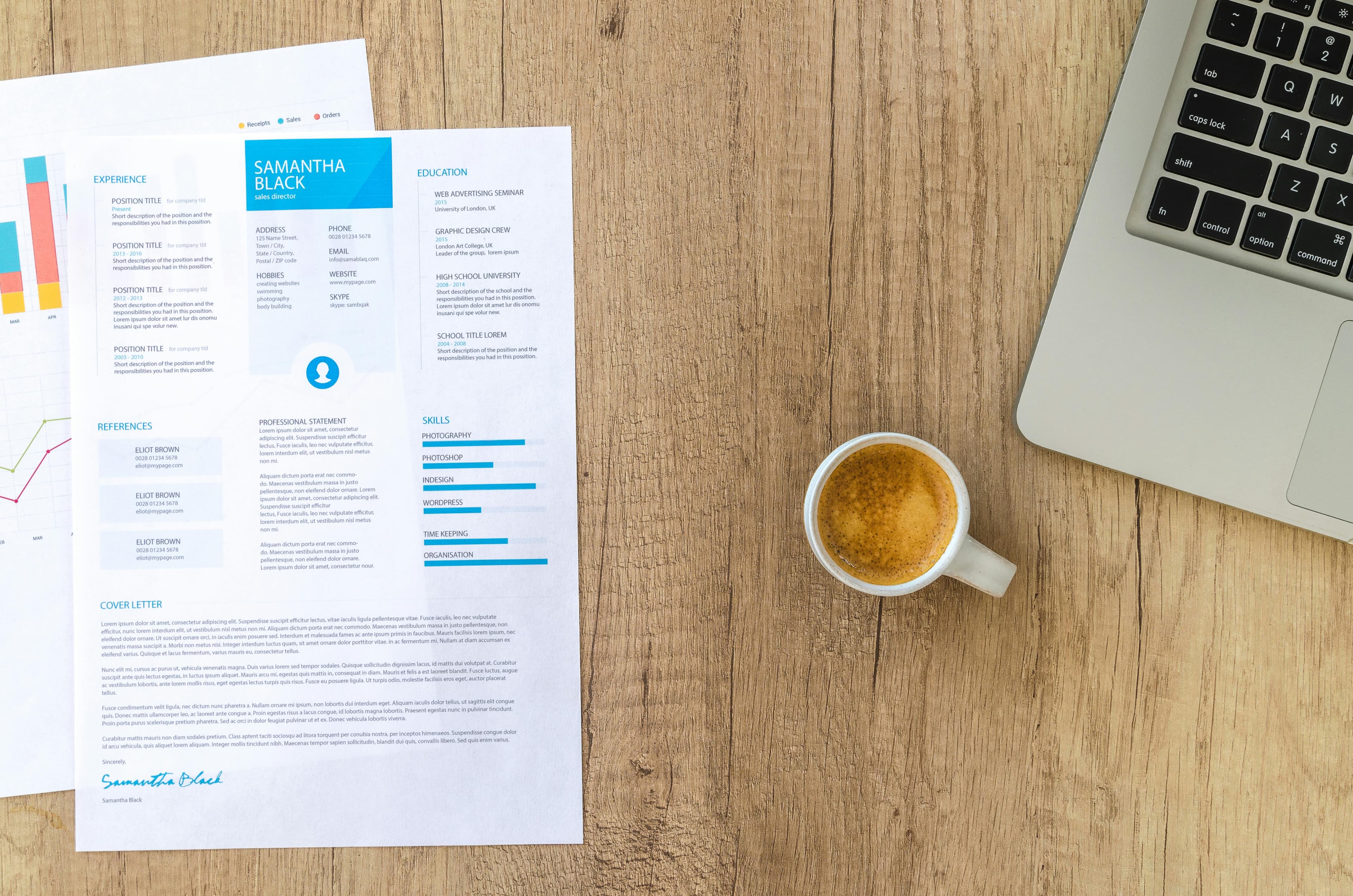
When deadlines press and opportunities appear suddenly, you need a resume solution that moves as fast as you do. ZivraAIResume’s Instant Resume Maker is built exactly for that — it crafts a recruiter-friendly, ATS-compatible resume in under two minutes, with no signup and no hidden fees.
This guide explains how the Instant Resume Maker works, why it’s ideal for urgent applications, and how to get the best results in minimal time.
Why instant matters
Hiring windows are getting shorter. A job that appears today may close tomorrow. If your resume isn’t ready, you’ll miss opportunities. The Instant Resume Maker turns a few raw inputs into a professional-grade resume by combining polished layouts with AI-driven text refinement.
The benefits at a glance
- Speed — build a structured resume in under two minutes.
- Free — no credit card required to download a PDF.
- ATS-ready — templates and output optimized for applicant tracking systems.
- Recruiter-focused — clear hierarchy, measurable achievements, and readable layout.
Pro tip: Start with a quick bullet list of your recent accomplishments — the Instant Maker will convert them into strong achievement statements.
How the Instant Resume Maker works
- Input: Basic details — name, contact, a few bullet points for each role.
- AI polish: The engine suggests improved phrasing, stronger verbs, and clearer impact statements.
- Template mapping: Choose a template (Modern, Classic, Minimal) that remains ATS-friendly.
- Preview & download: Export a print-ready PDF instantly.
Example flow
- Paste a raw role bullet:
worked on website project - AI suggestion:
Led a cross-functional team to deliver a responsive website, improving load time by 35% and boosting user engagement.
That small change increases clarity, demonstrates impact, and helps you get through ATS keyword filters.
ATS compatibility: what we fix automatically
Applicant Tracking Systems parse headings and fields. The Instant Resume Maker ensures:
- Standard headings (Work Experience, Education, Skills).
- Linear layouts without complex tables or floats.
- Clear dates and job titles that recruiters and machines both understand.
- Keyword suggestions matching the job description.
After building, run your resume through the ATS Scanner → for a quick score and tailored recommendations.
Best practices to get the most from an instant resume
- Quantify results: Numbers make your accomplishments tangible.
- Use job-specific keywords: Mirror the language of the job posting.
- Keep bullets concise: 1–2 lines per bullet is ideal.
- Choose the correct template: If you’re applying to finance, use more conservative templates; creative roles can use modern layouts.
Template choices & when to use them
- Minimal — great for senior professionals with long experience lists.
- Modern — balanced visual hierarchy for product/tech roles.
- Classic — conservative, recruiter-friendly for finance, law, or government.
Why Instant Resume Maker beats manual formatting
Manual formatting can introduce invisible characters, odd spacing, or PDFs that break ATS parsing. The Instant Resume Maker produces clean, machine-readable output every time.
Call-to-action
Ready to apply? Click below and create your resume in under 2 minutes — free, secure, and ATS-optimized.
🚀 Improve Your Resume Now
Instantly upgrade your resume formatting, keyword strength, and design with ZivraAIResume.
🧰 Quick Tools
✨ Free Resume Scan
Instantly analyze your resume for ATS compatibility and keyword strength.
🔍 Scan Now